my Company
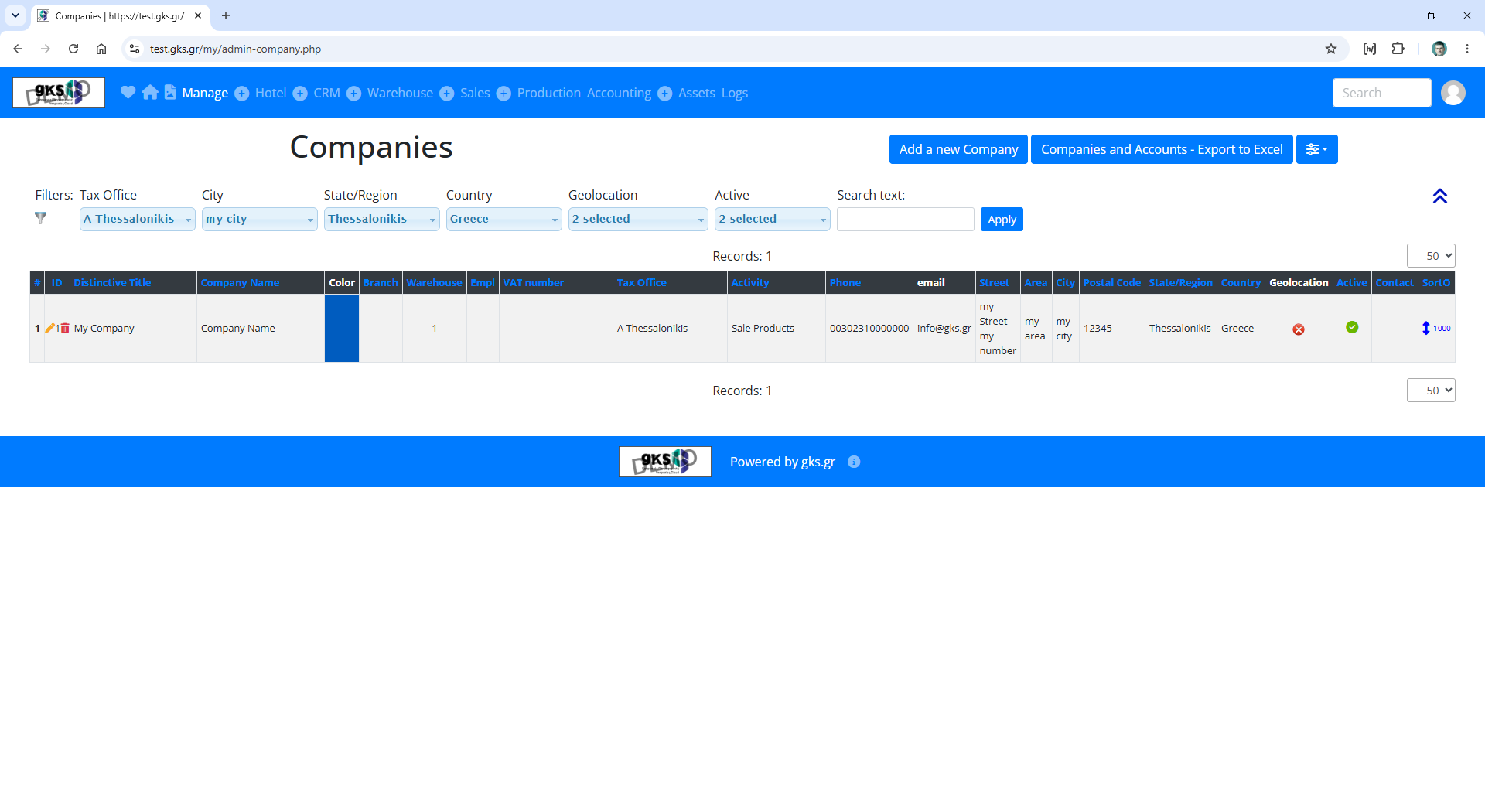
To enter your business information, go to the list of companies from menu Manage / Companies
Click the pencil icon on the single entry that should be there, and you’ll be moved to the company page.
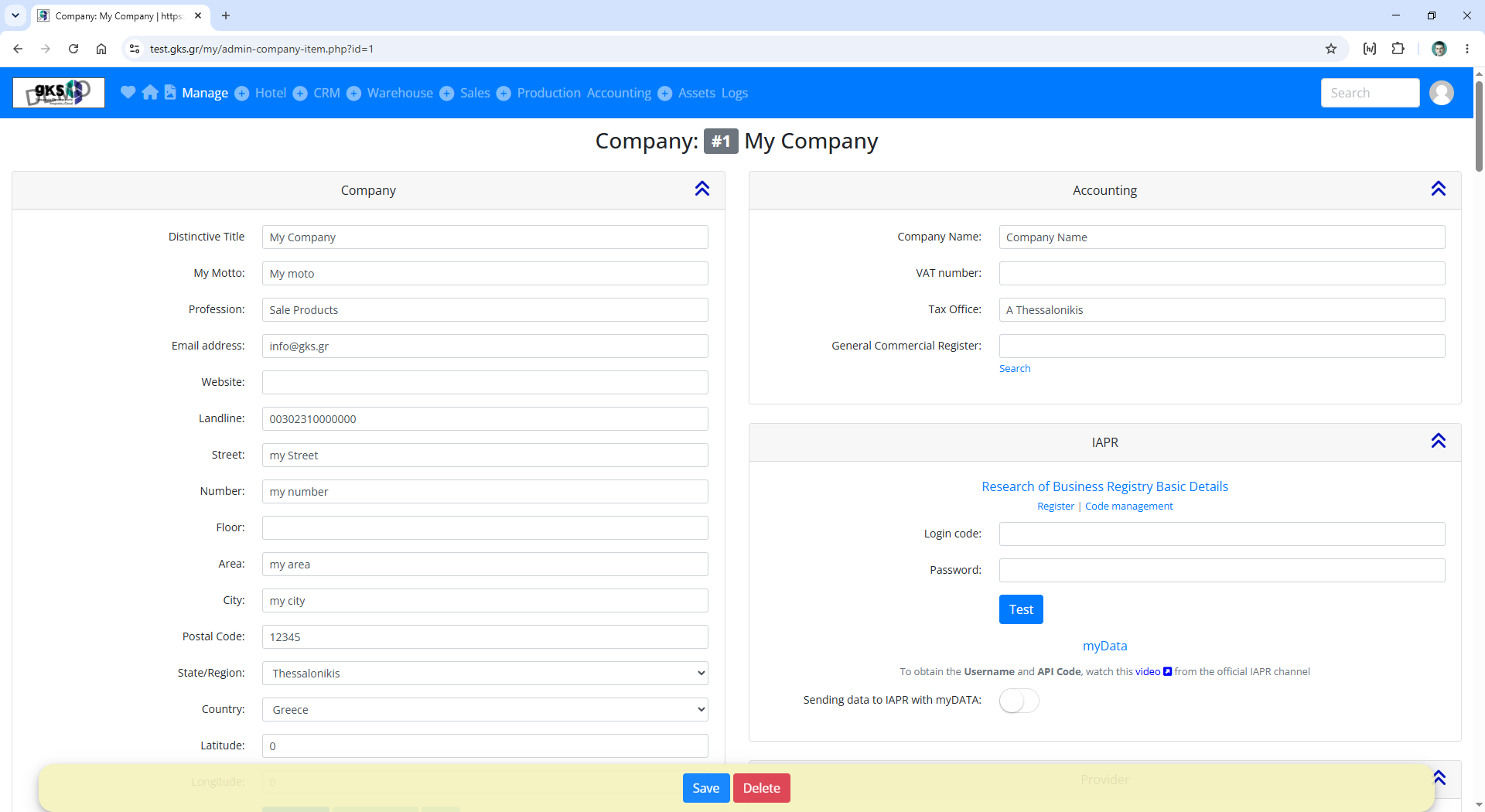
URL: /my/admin-company-item.php?id=1
Edit the basic details, such as the business name, tagline, phone number, street address, etc
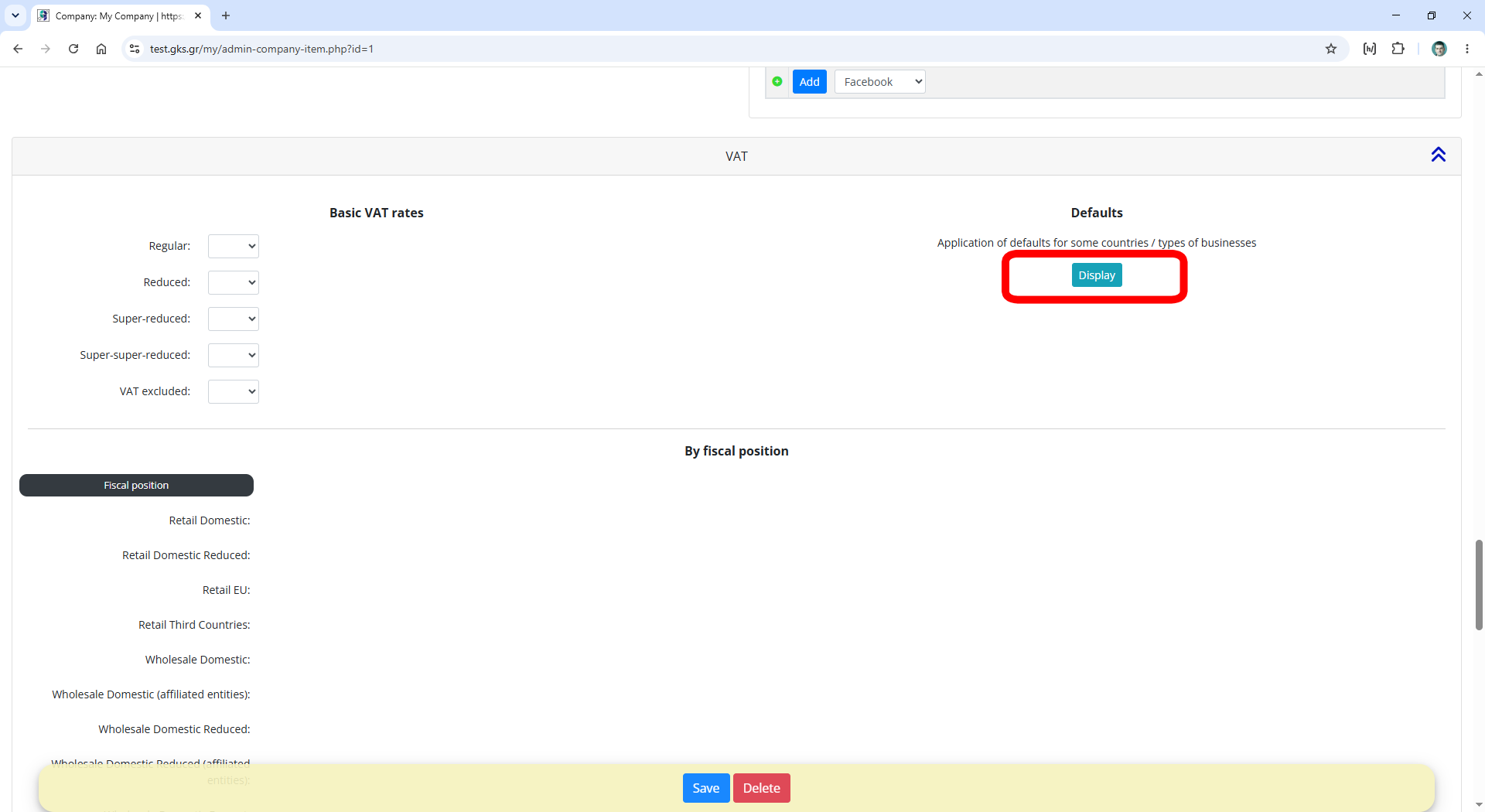
Scroll down to the VAT section.
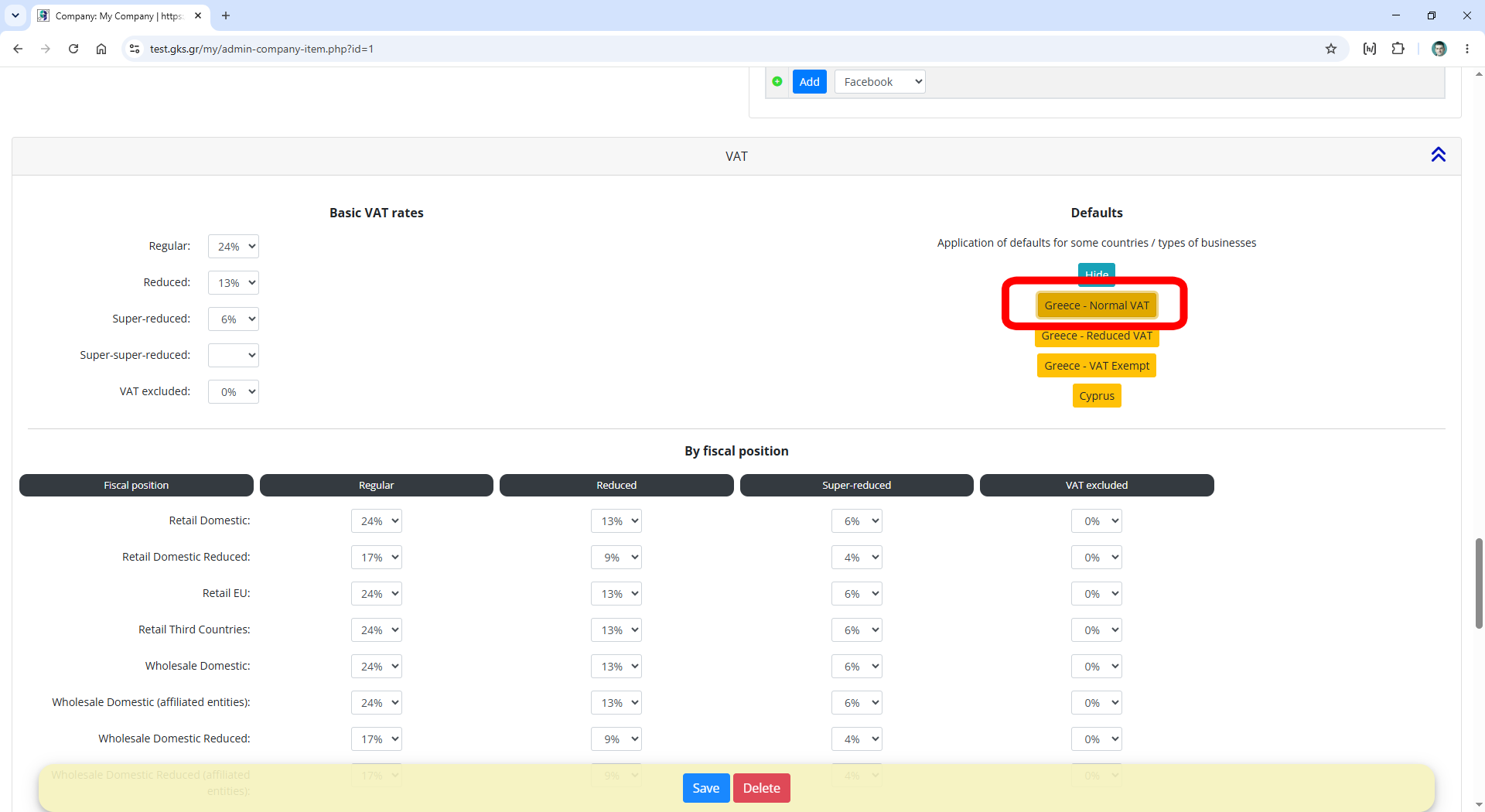
If the business is located in Greece or Cyprus, click the Display button, the relevant buttons for Greece/Cyprus will appear, and the following fields will be filled in automatically.
In the Basic VAT rates column, set the country’s VAT rates. Set at least the Regular rate. It is not necessary to fill in all of them.
In the By fiscal position table, set the VAT rate for each fiscal position that the contact may have.
You can add your own fiscal positions from the page
URL: /my/admin-eshop-fiscal-position.php
Each product will belong to one of the Basic VAT rates, and the contact/customer/supplier will belong to one fiscal position.
When you create an invoice, the corresponding VAT rate will be automatically applied to the product.
Save the changes by cliking at Save button.