
Logo
To upload your logo go to Manage / Settings / Application Settings
URL: /my/admin-system-settings.php
Scroll down to section Logo and upload your png files.
It is recommended that PNG files be 32bit to support transparency.
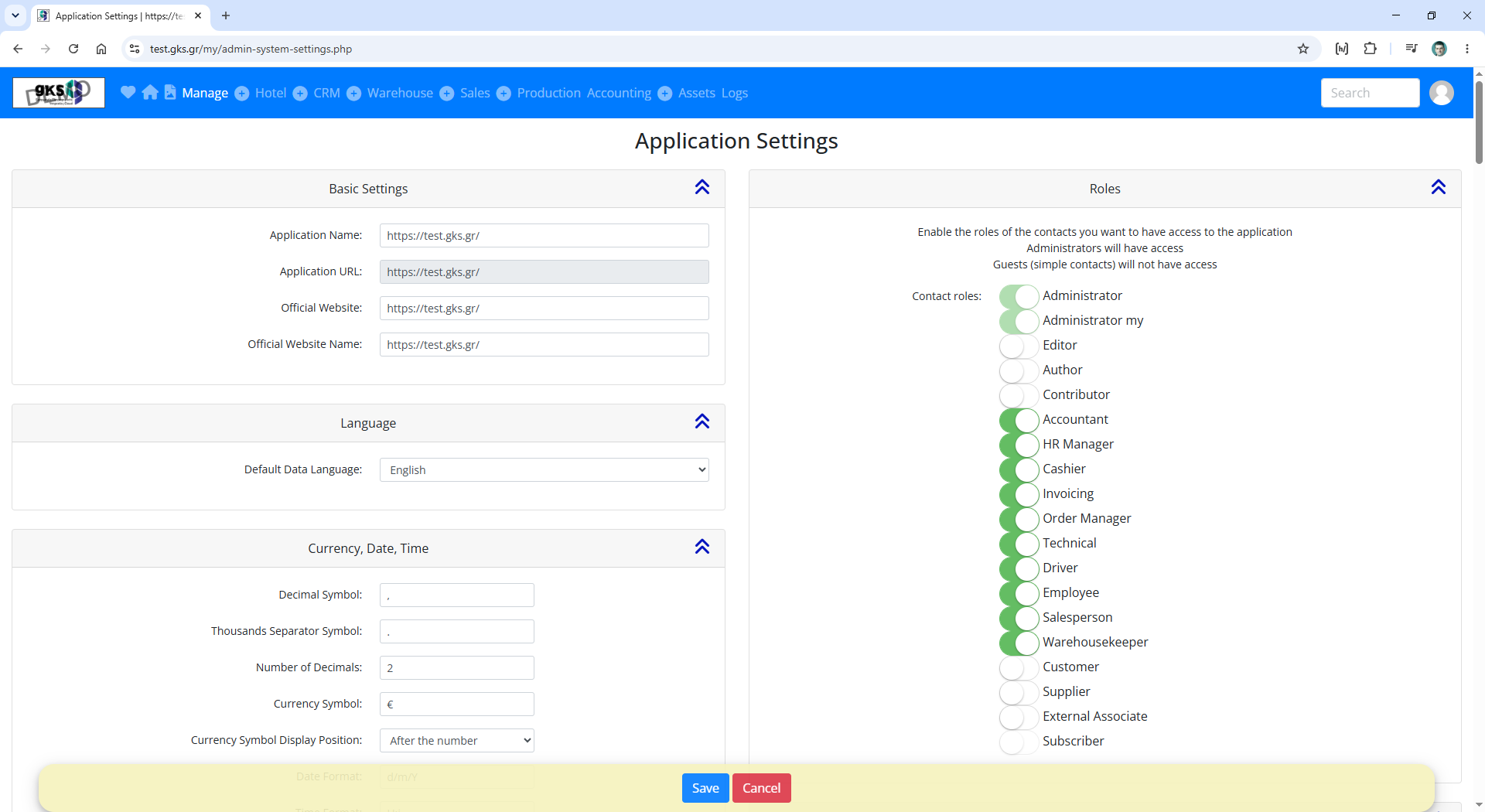
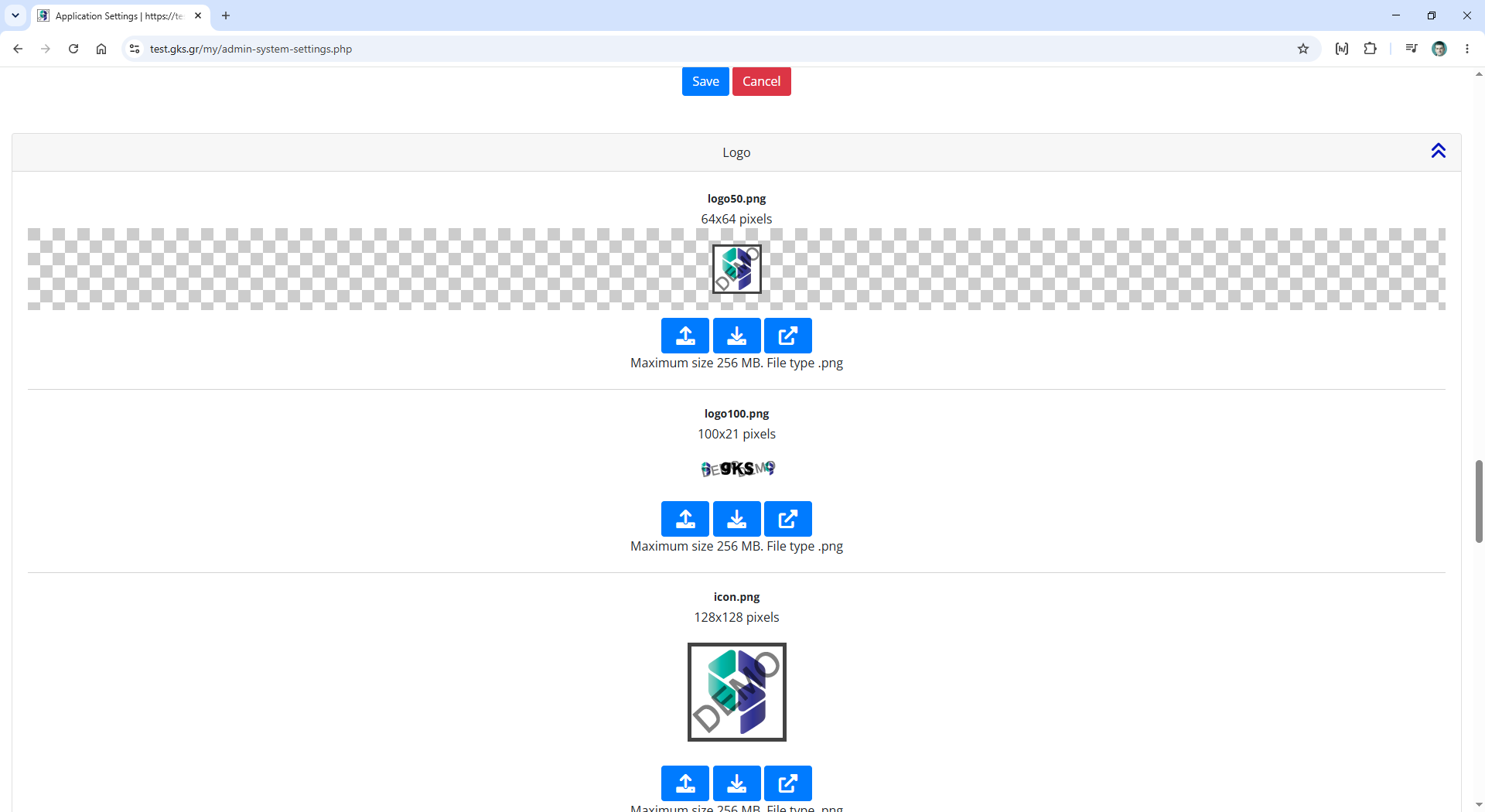
There are 11 files of the logo in various sizes
- logo50.png 64×64 pixels
- logo100.png 100×21 pixels
- icon.png 128×128 pixels
- app_logo_1x.png 148×43 pixels
- logo200.png 200×40 pixels
- app_logo_2x.png 296×86 pixels
- logo.png 300×100 pixels
- logo2.png 300×100 pixels
- logo2x2.png 600×200 pixels
- paypal_header.png 750×90 pixels
- finallogonew.png 1250×405 pixels
Each file is used in different contexts.
For example:
- logo50.png is used in the header
- logo2.png is used in the footer
- logo200.png is used in the email header
- logo100.png is used in the email footer