Update
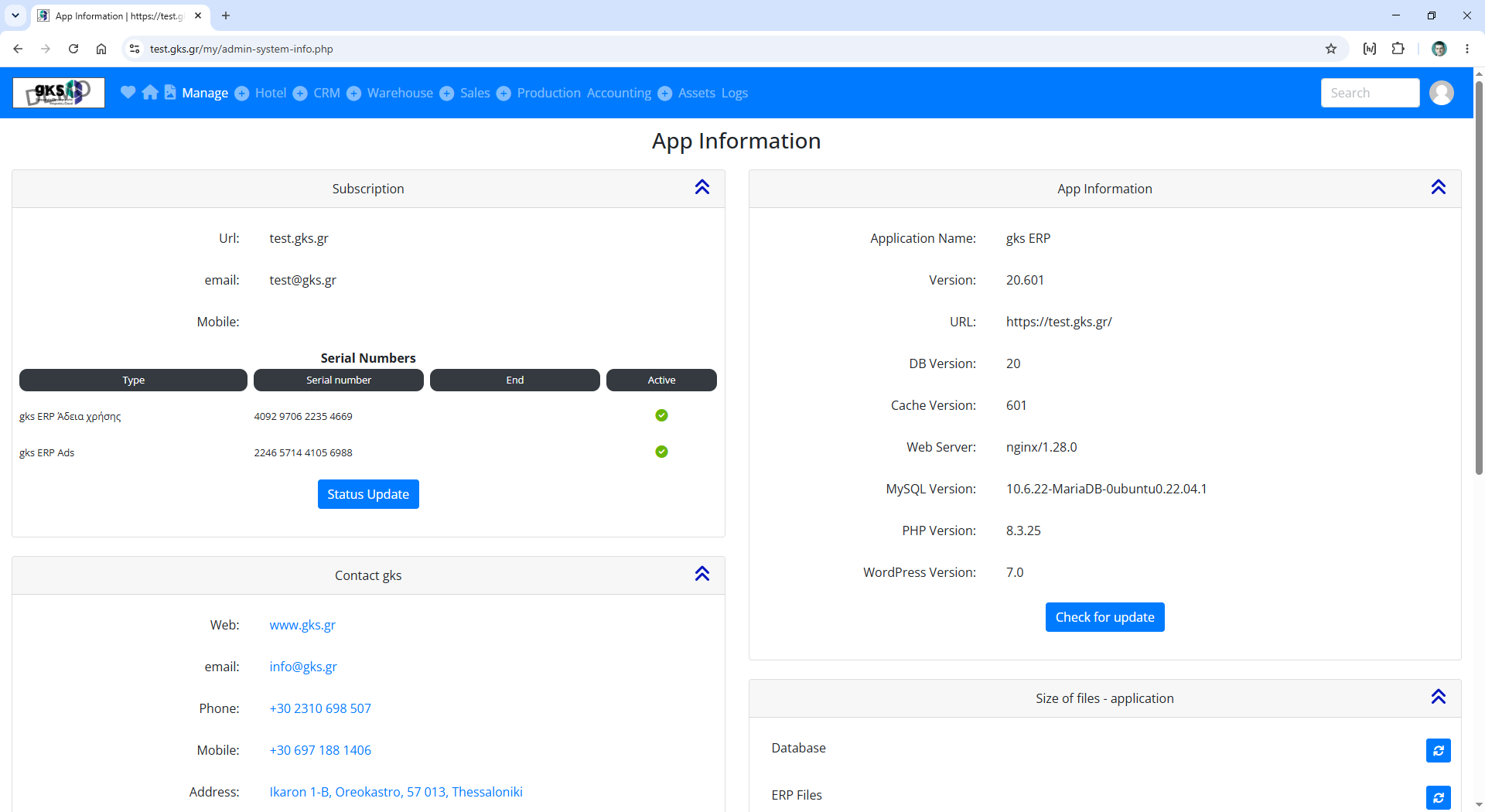
To update to the latest version of gks ERP goto Manage / Setting / App Information
URL: /my/admin-system-info.php
and click to buton Check for update.
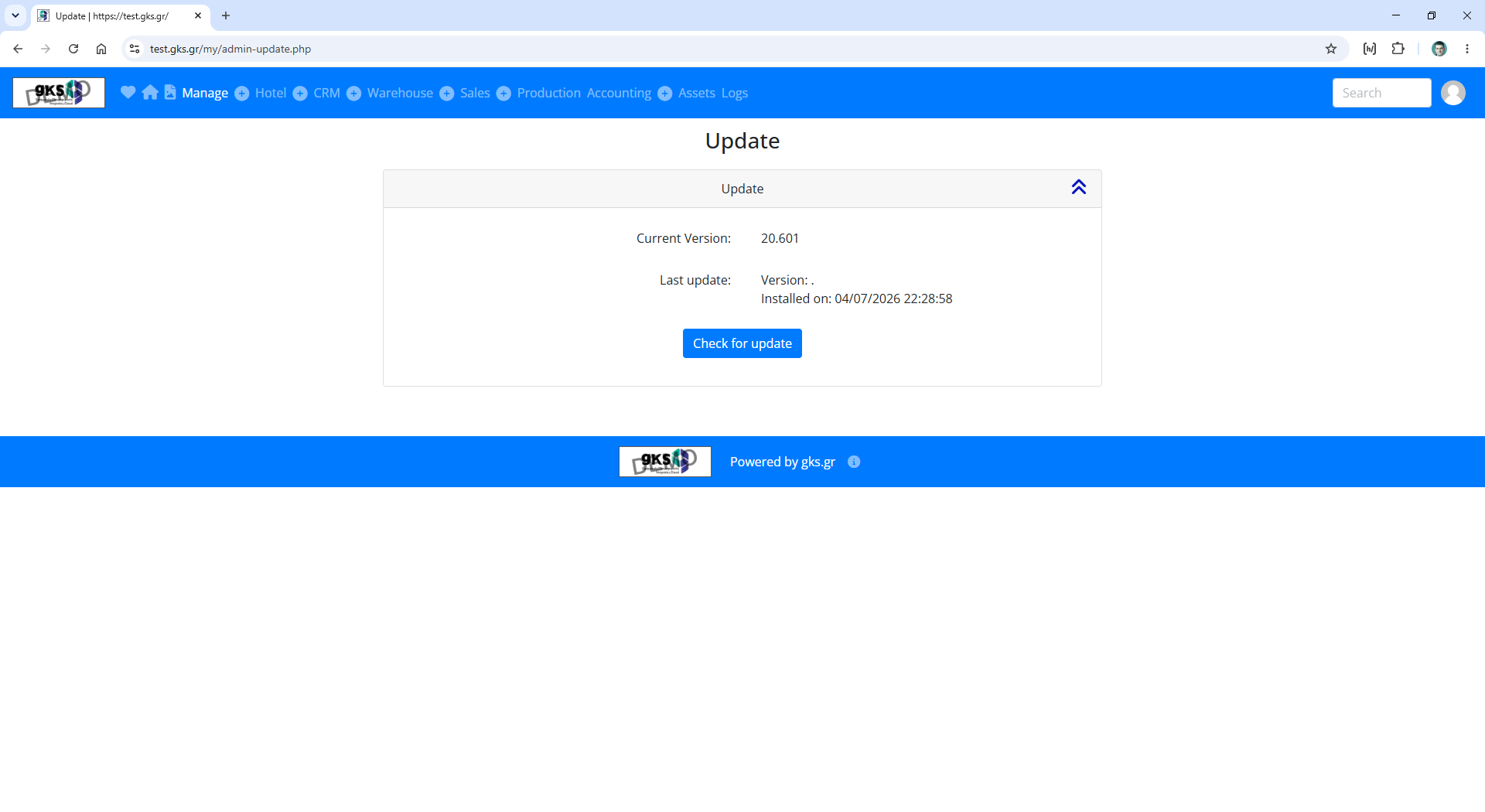
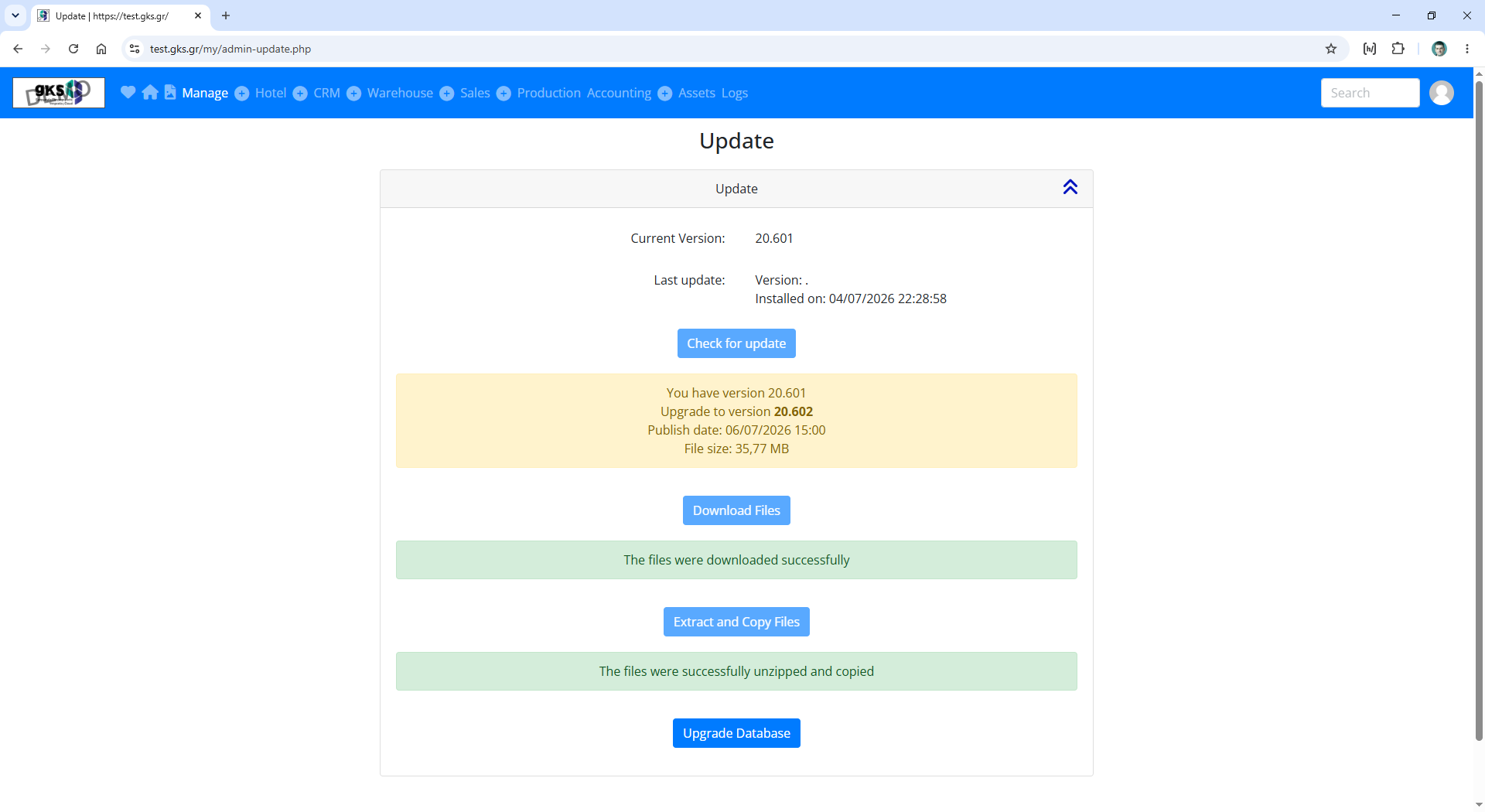
You will go to page Update
URL: /my/admin-update.php
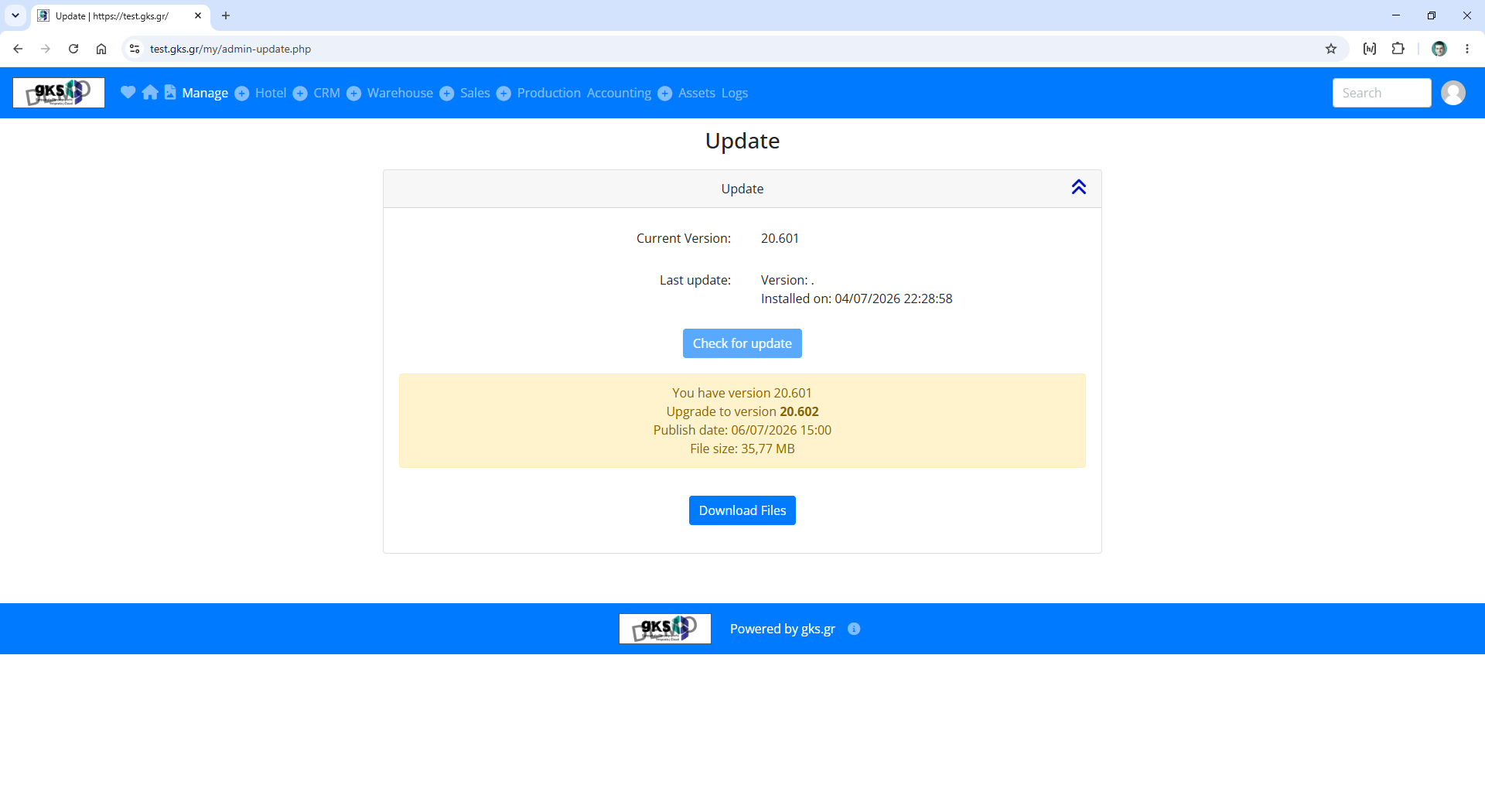
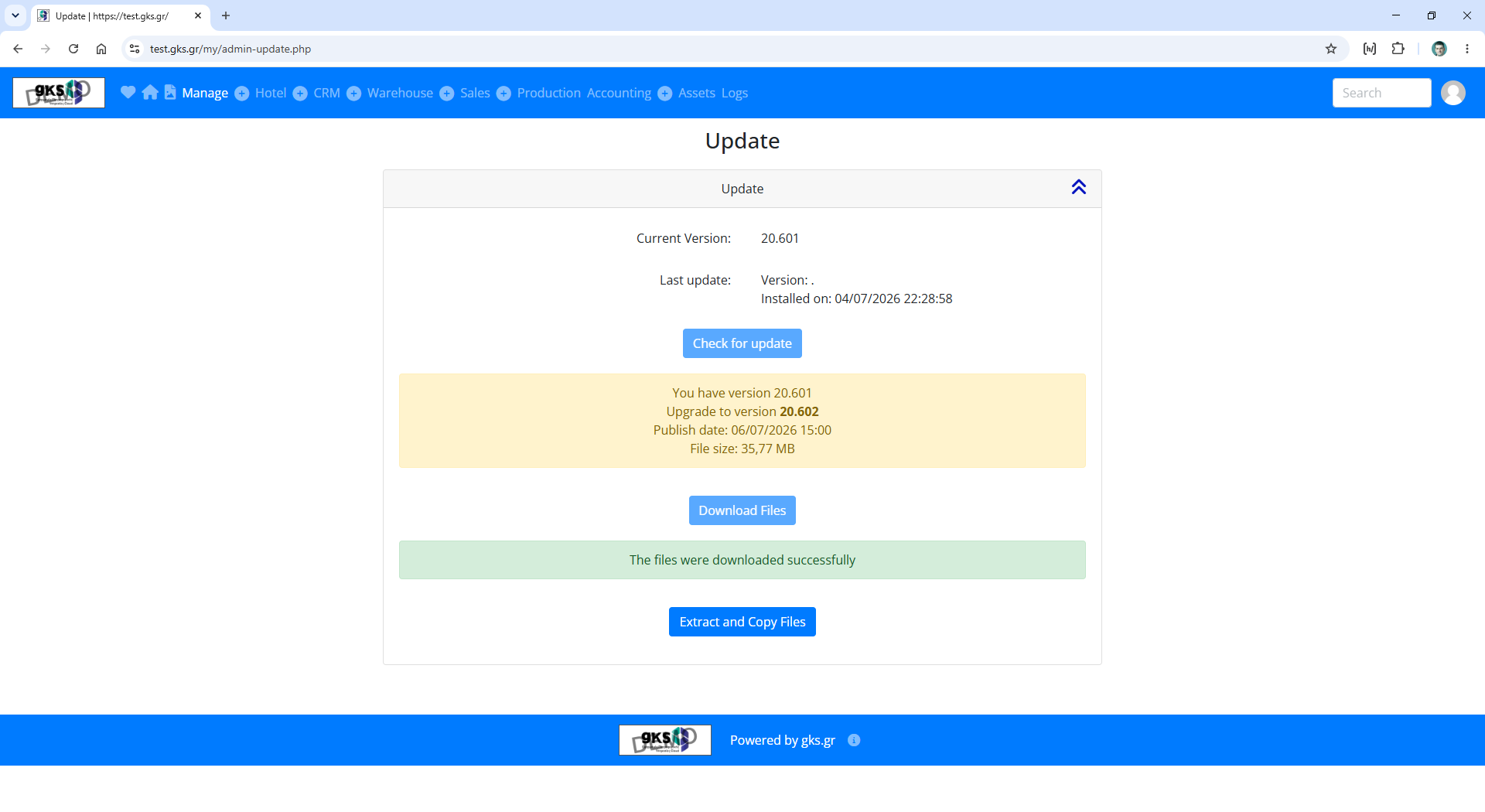
Press the following buttons-links in sequence:
- Check for Update
- Download files
- Extract and copy files
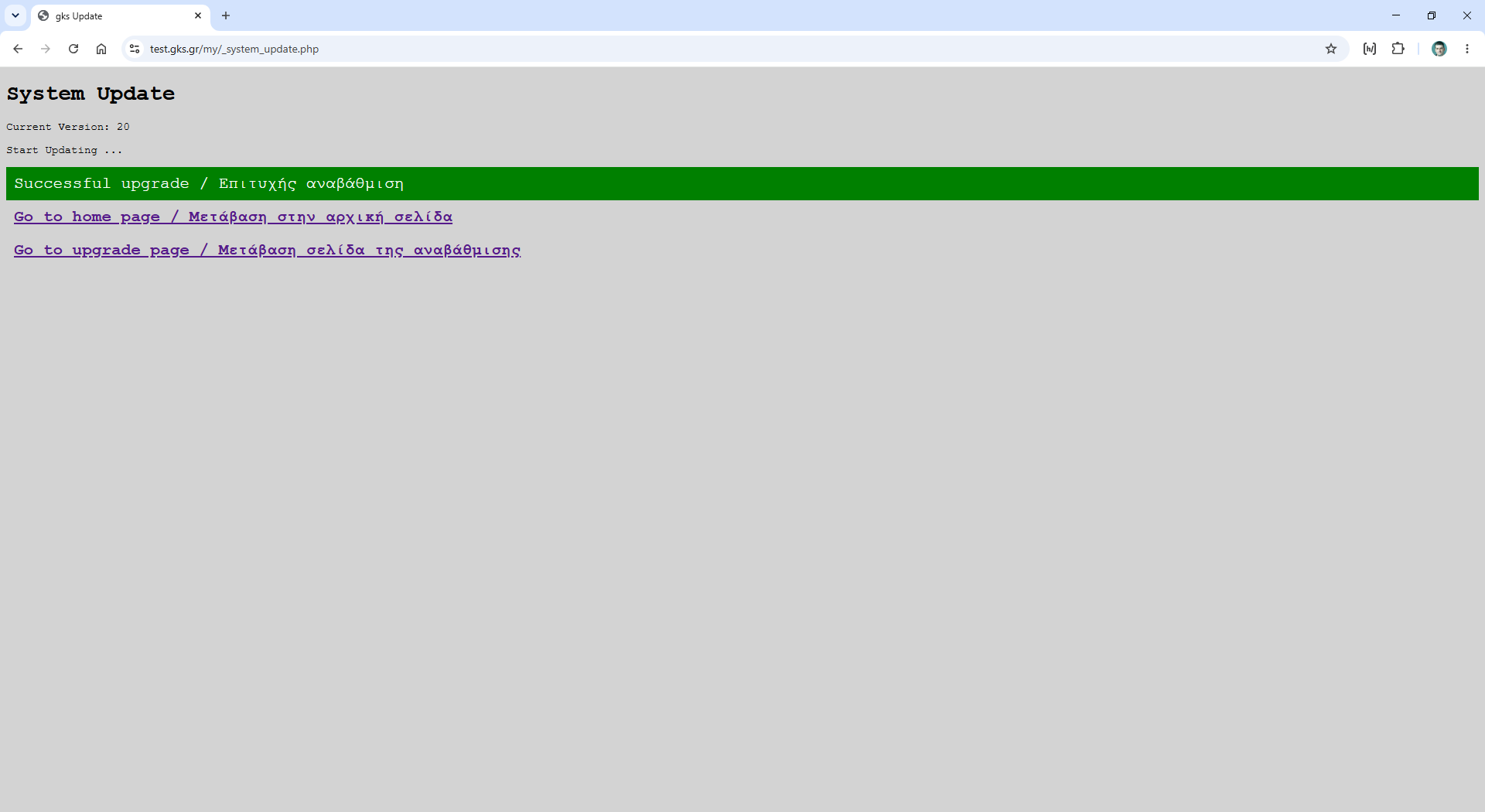
- Upgrade Database
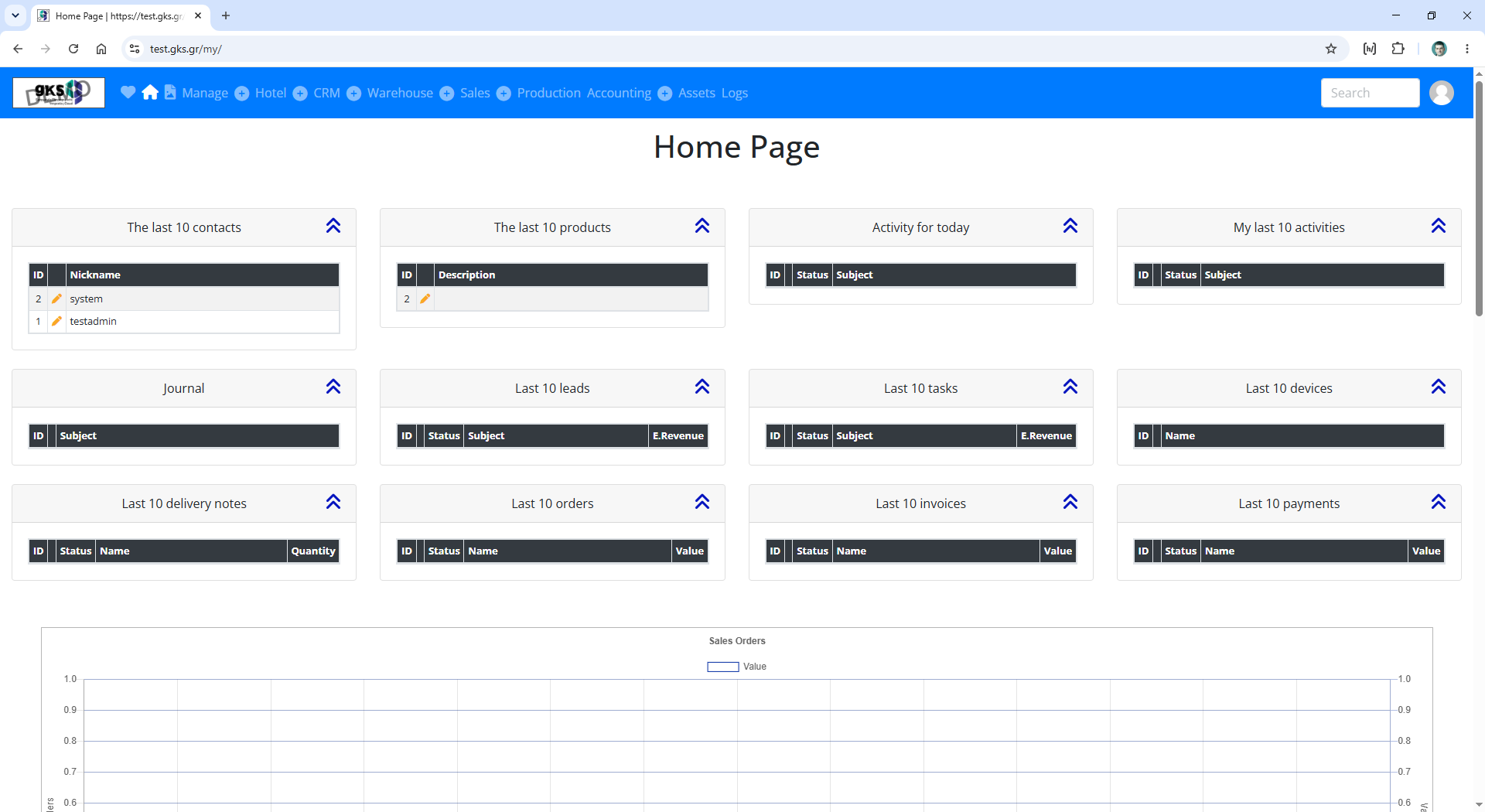
- Goto to home page