
Install
Download the file gks-erp-installer.zip from link:
https://www.gks-erp.com/files/gks-erp-installer.zip
This is the installer for gks ERP, a plugin for WordPress.
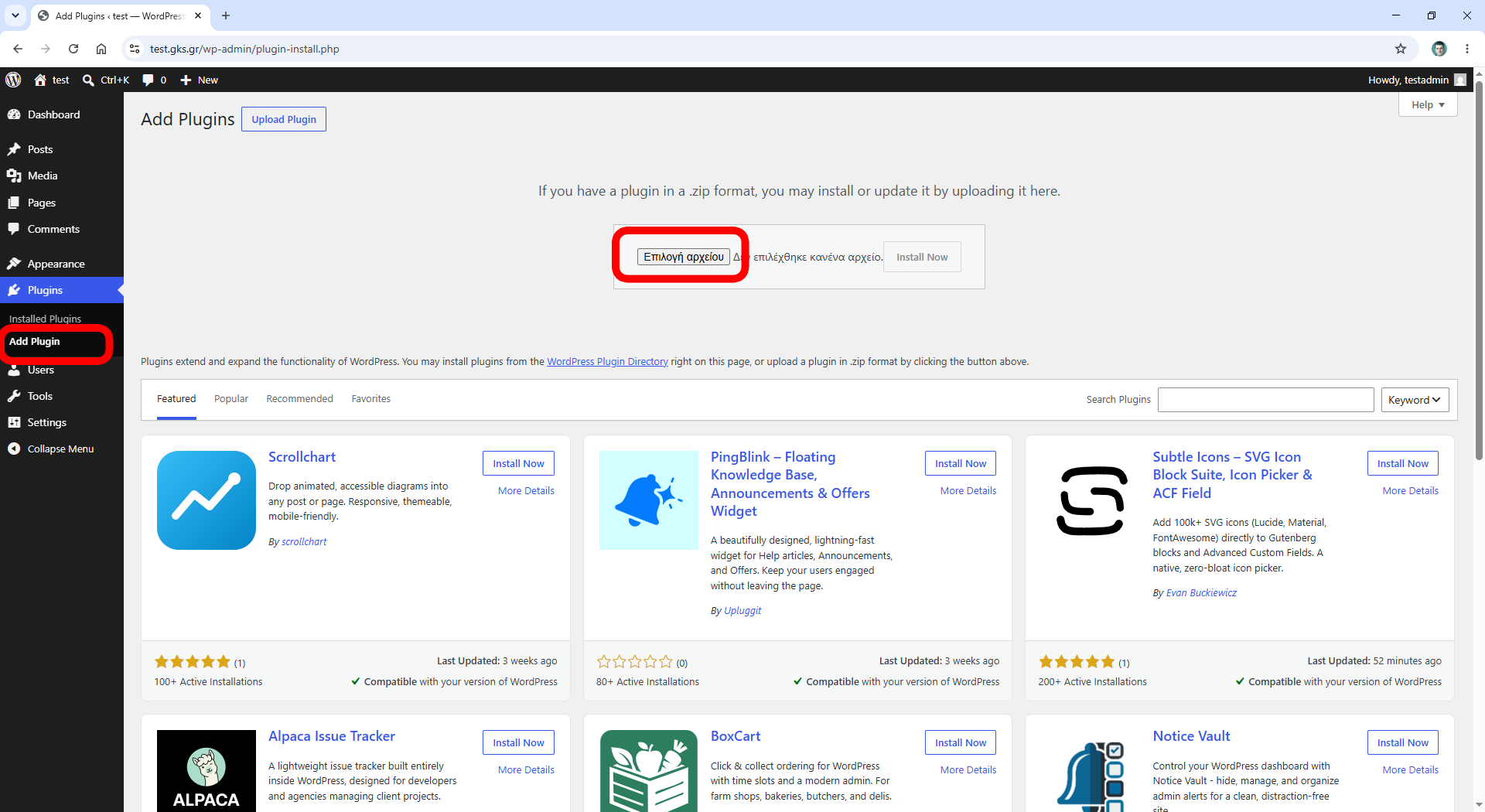
Login to your WordPress as Administrator and goto Plugins/Add plugin.
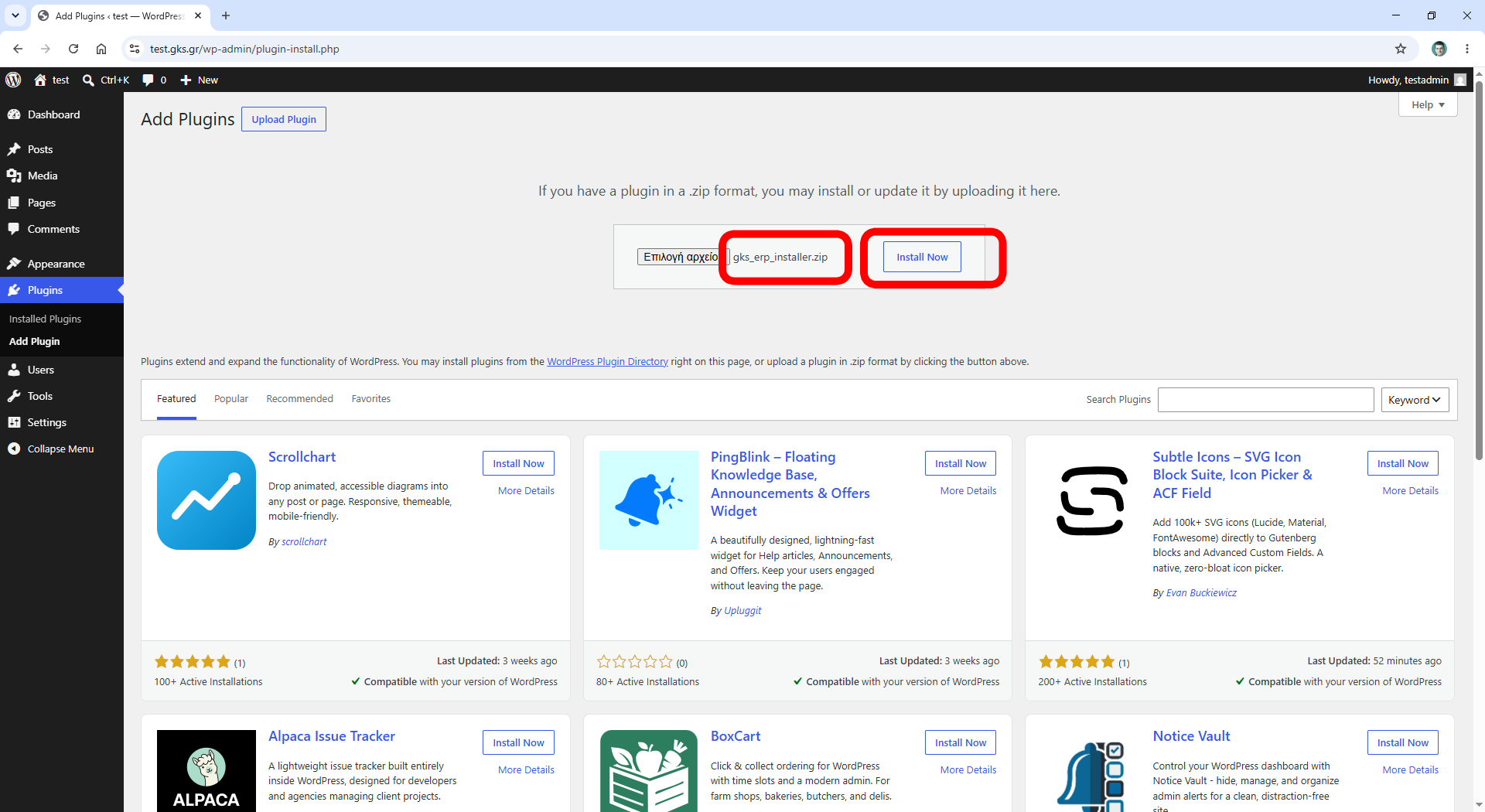
Upload the file gks-erp-installer.zip
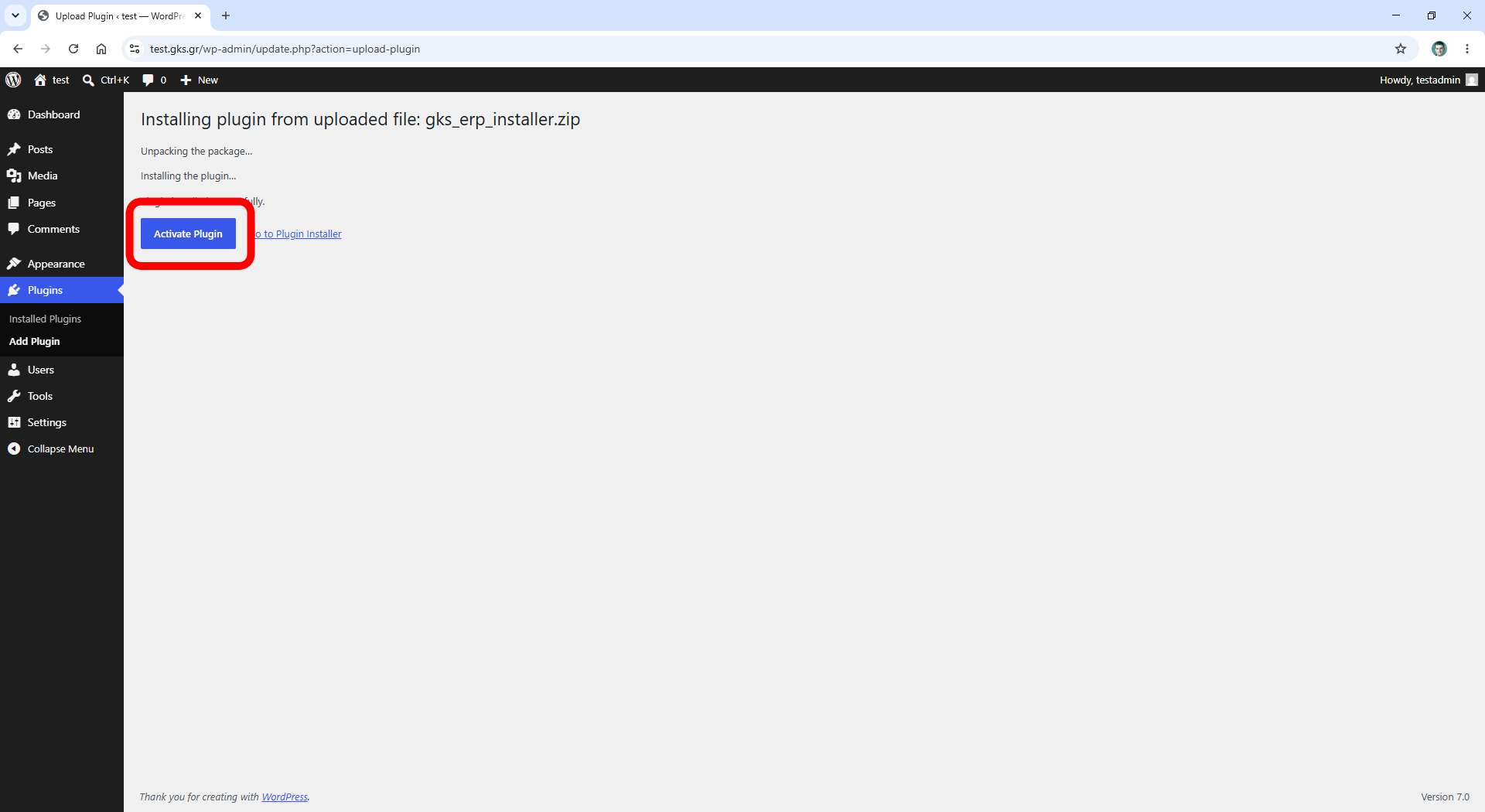
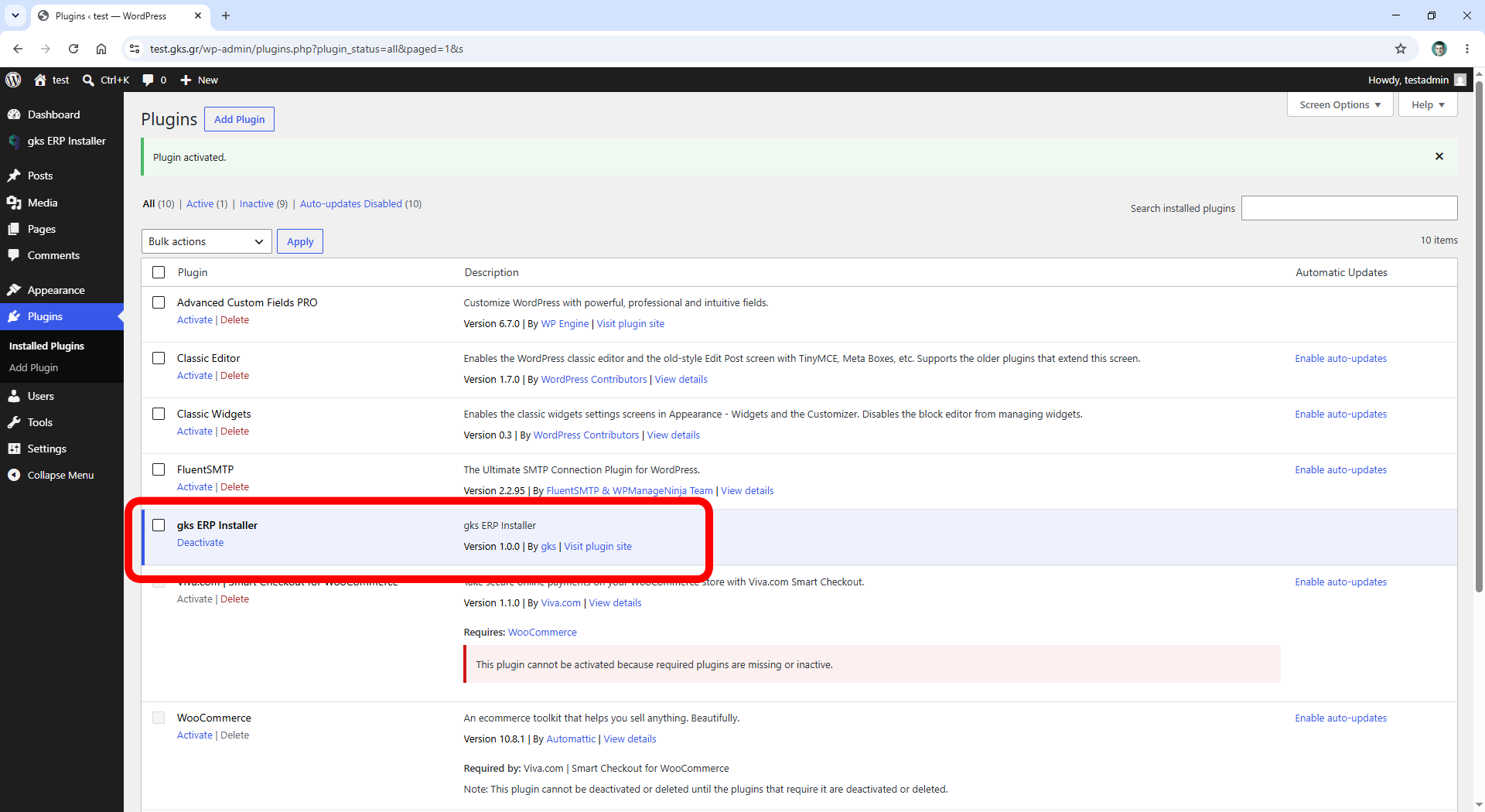
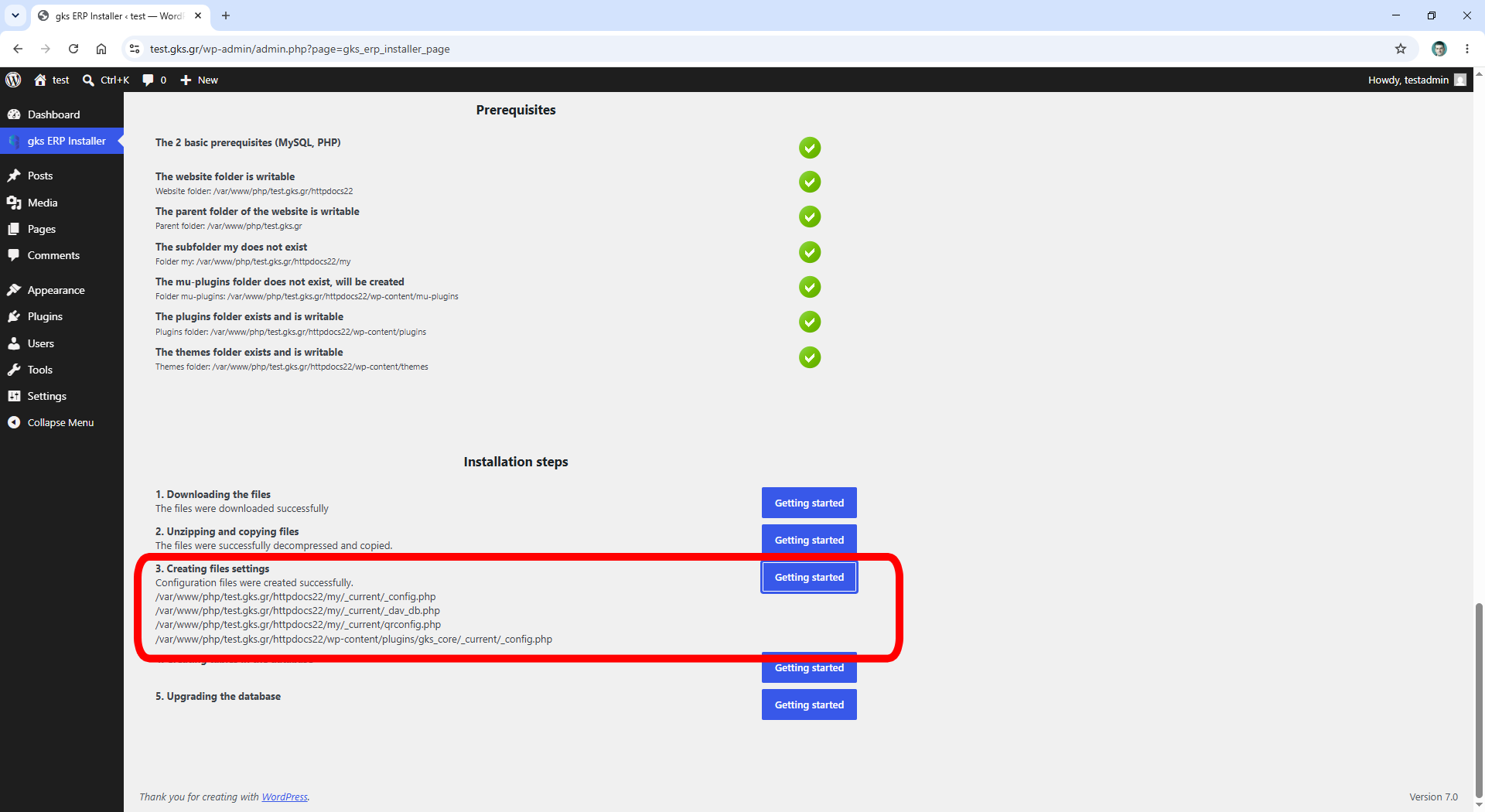
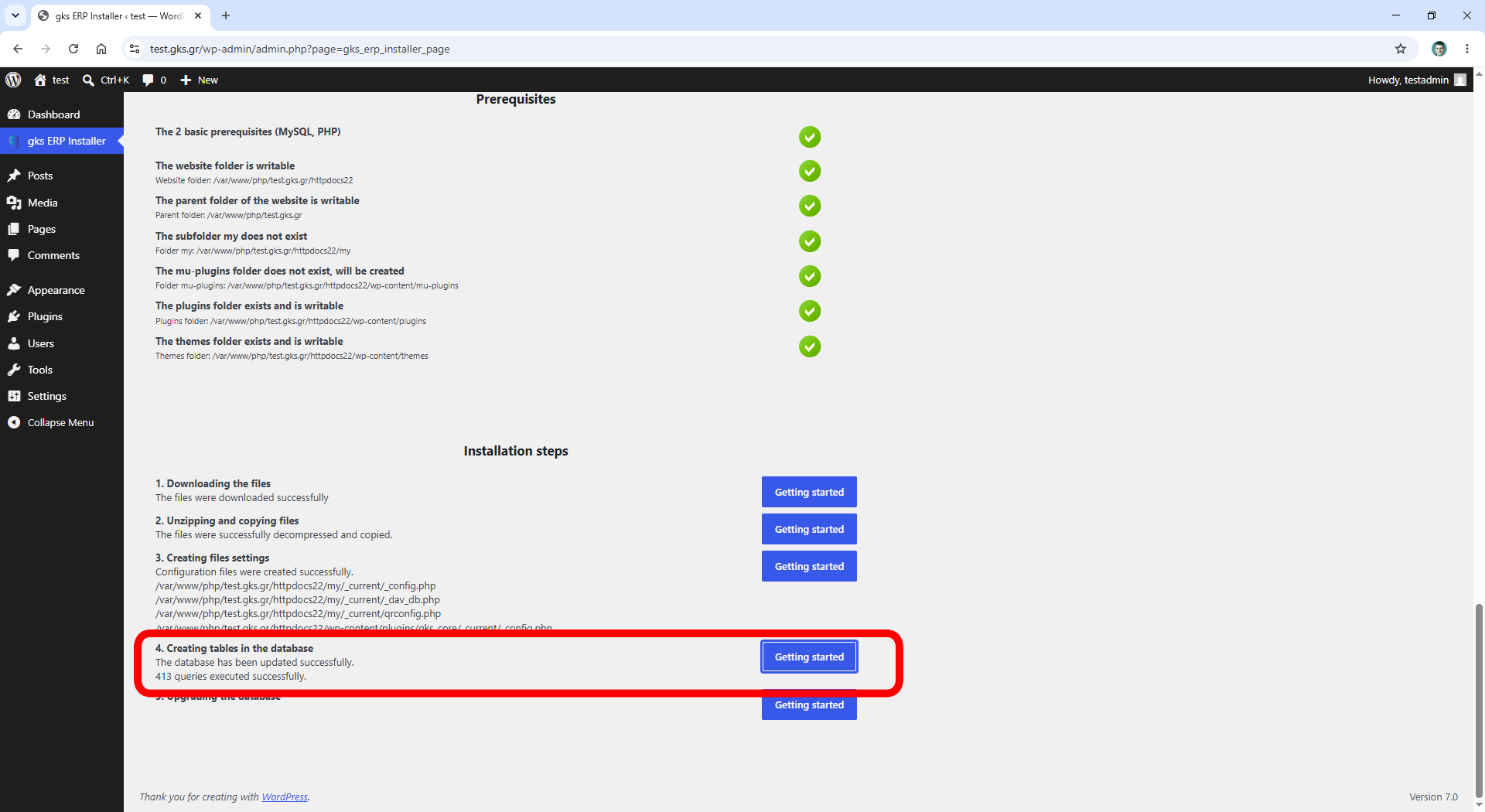
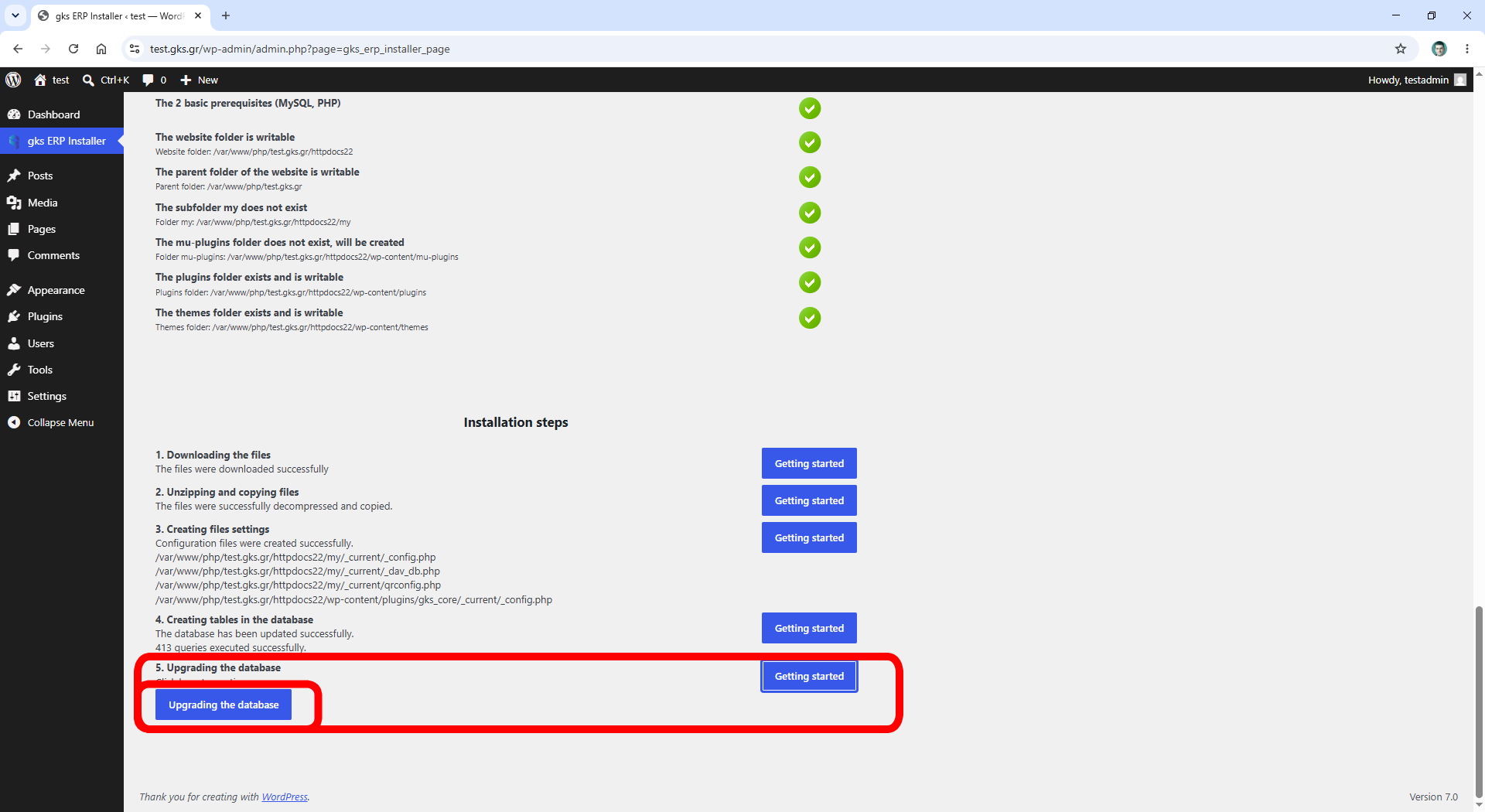
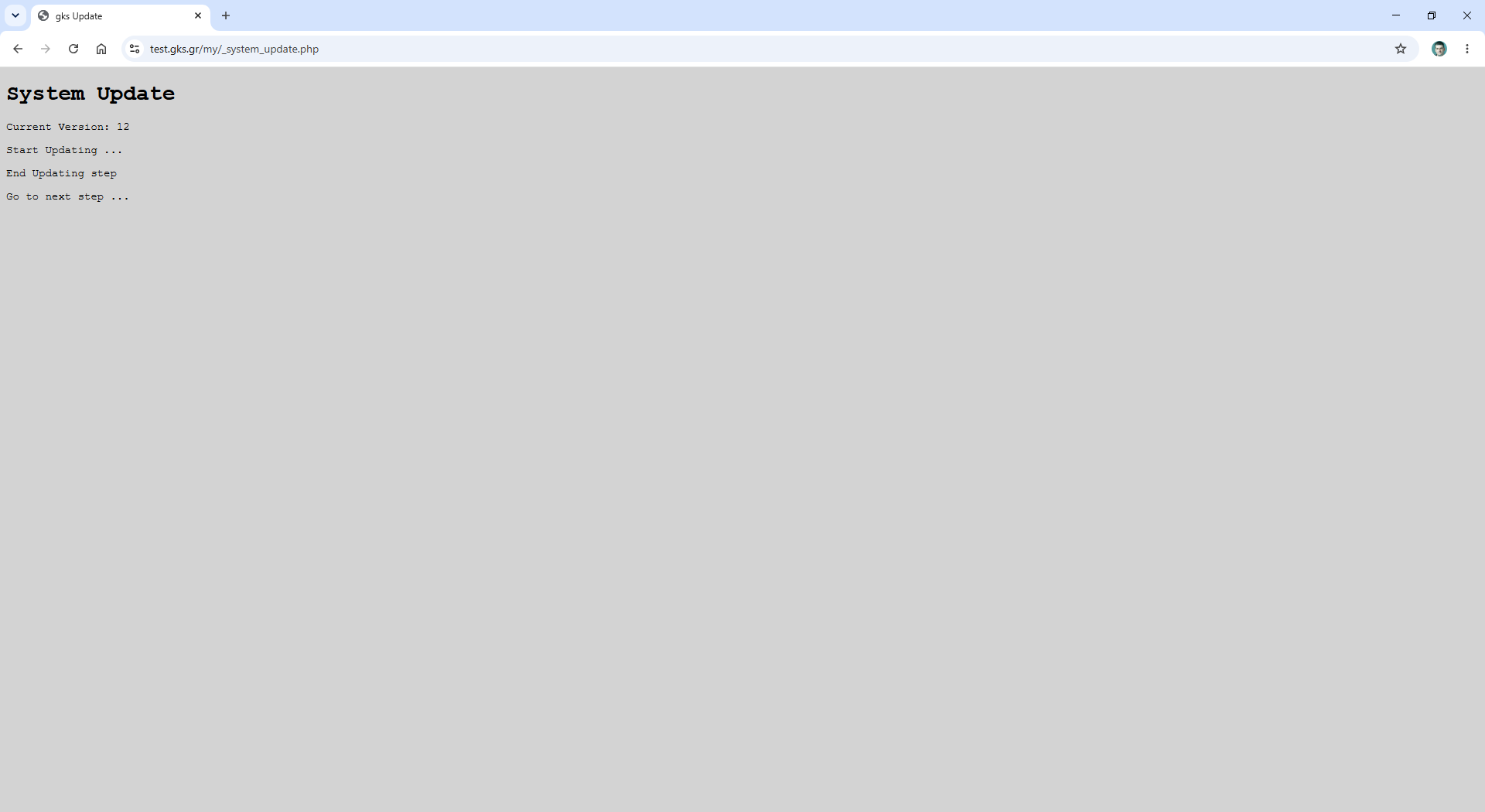
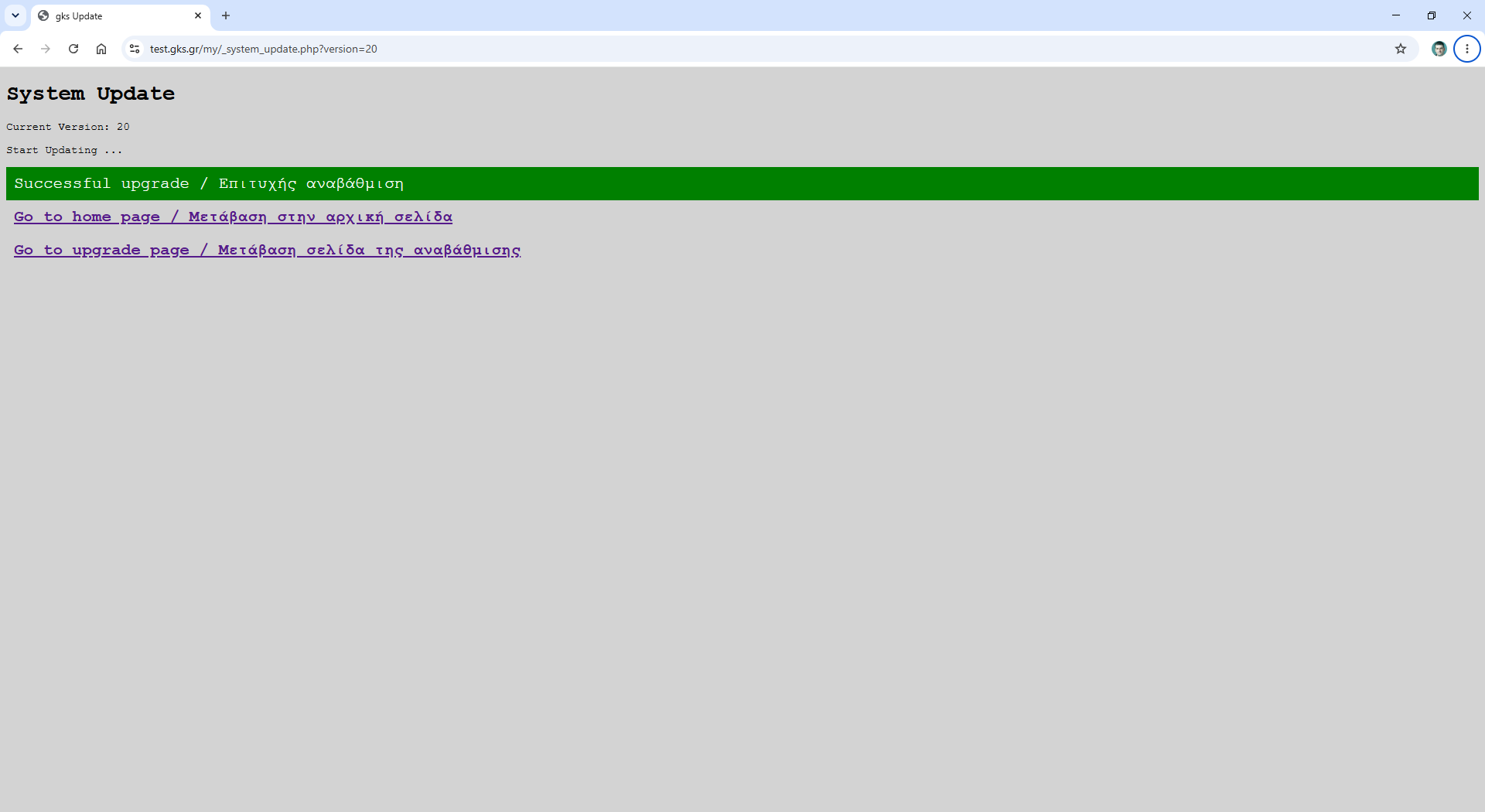
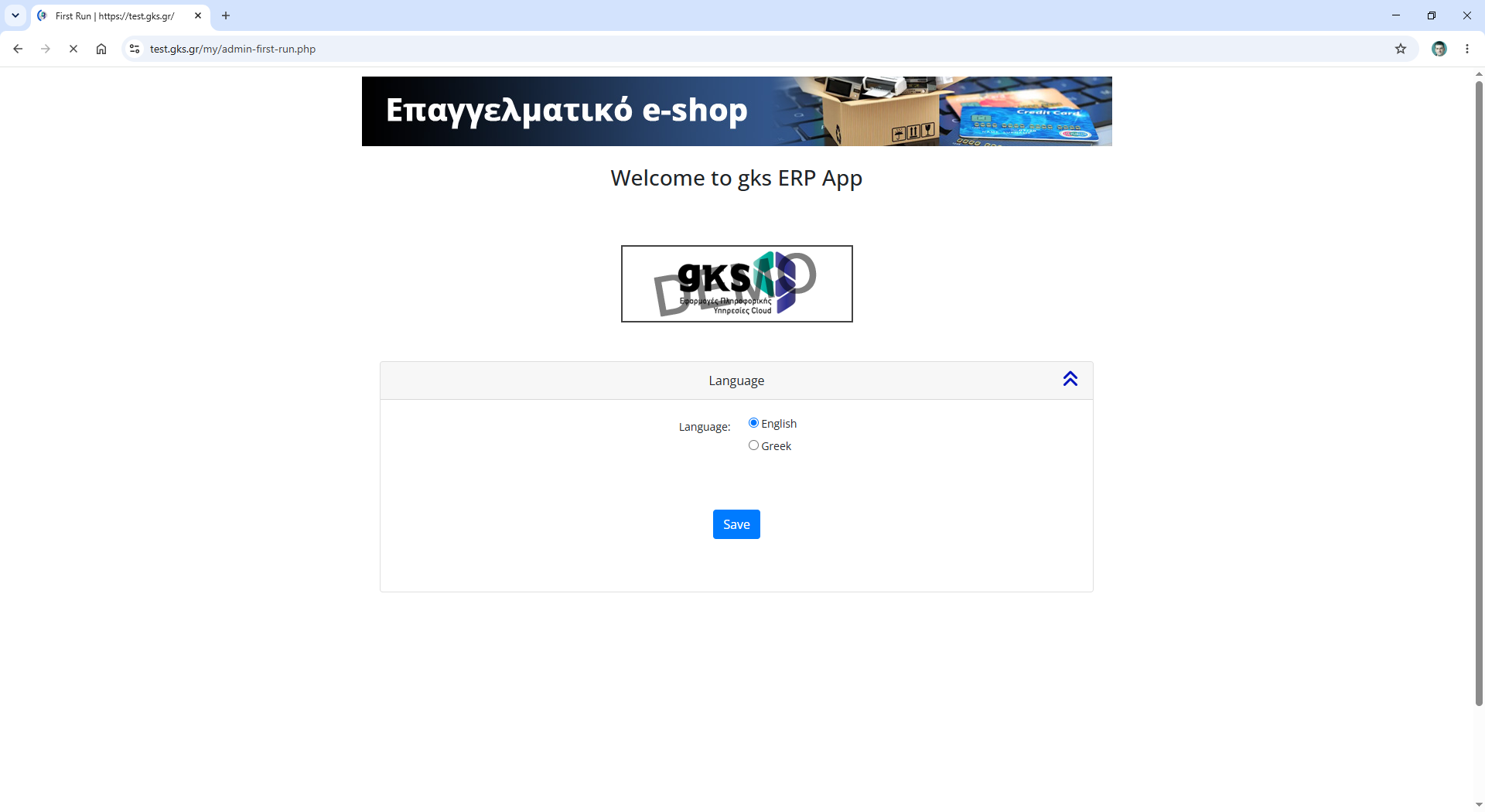
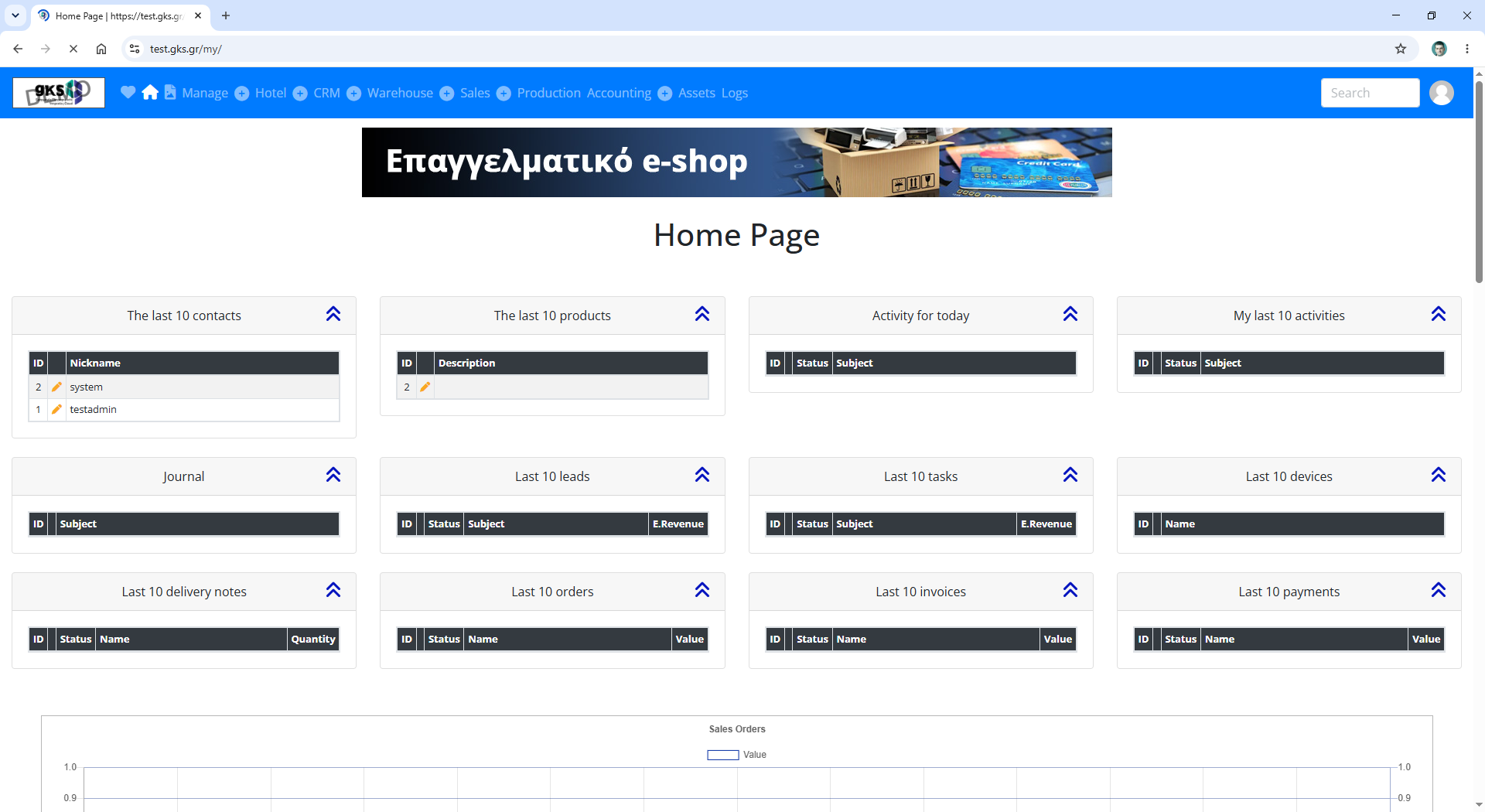
Follow the steps from the screen shots below.
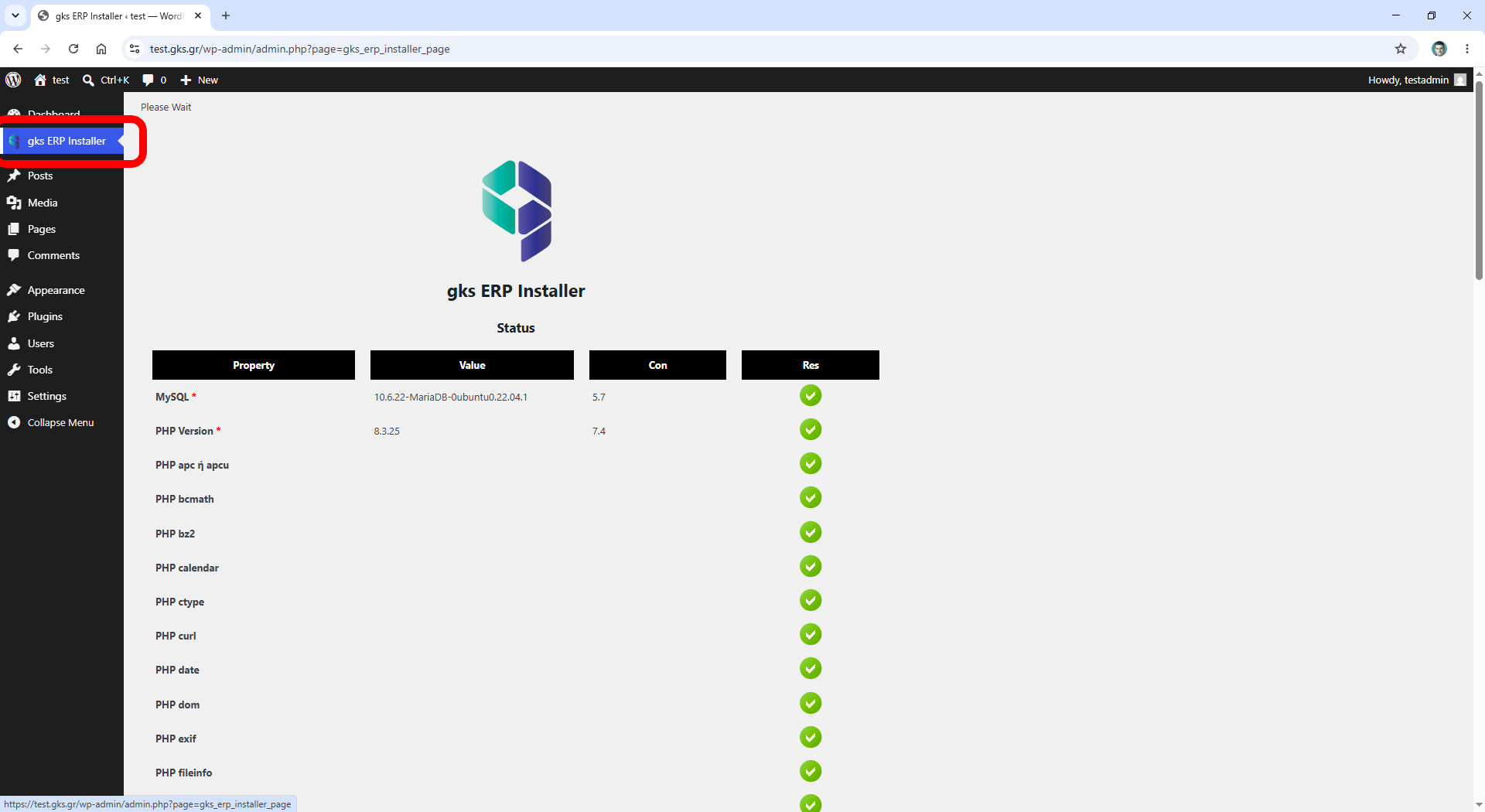
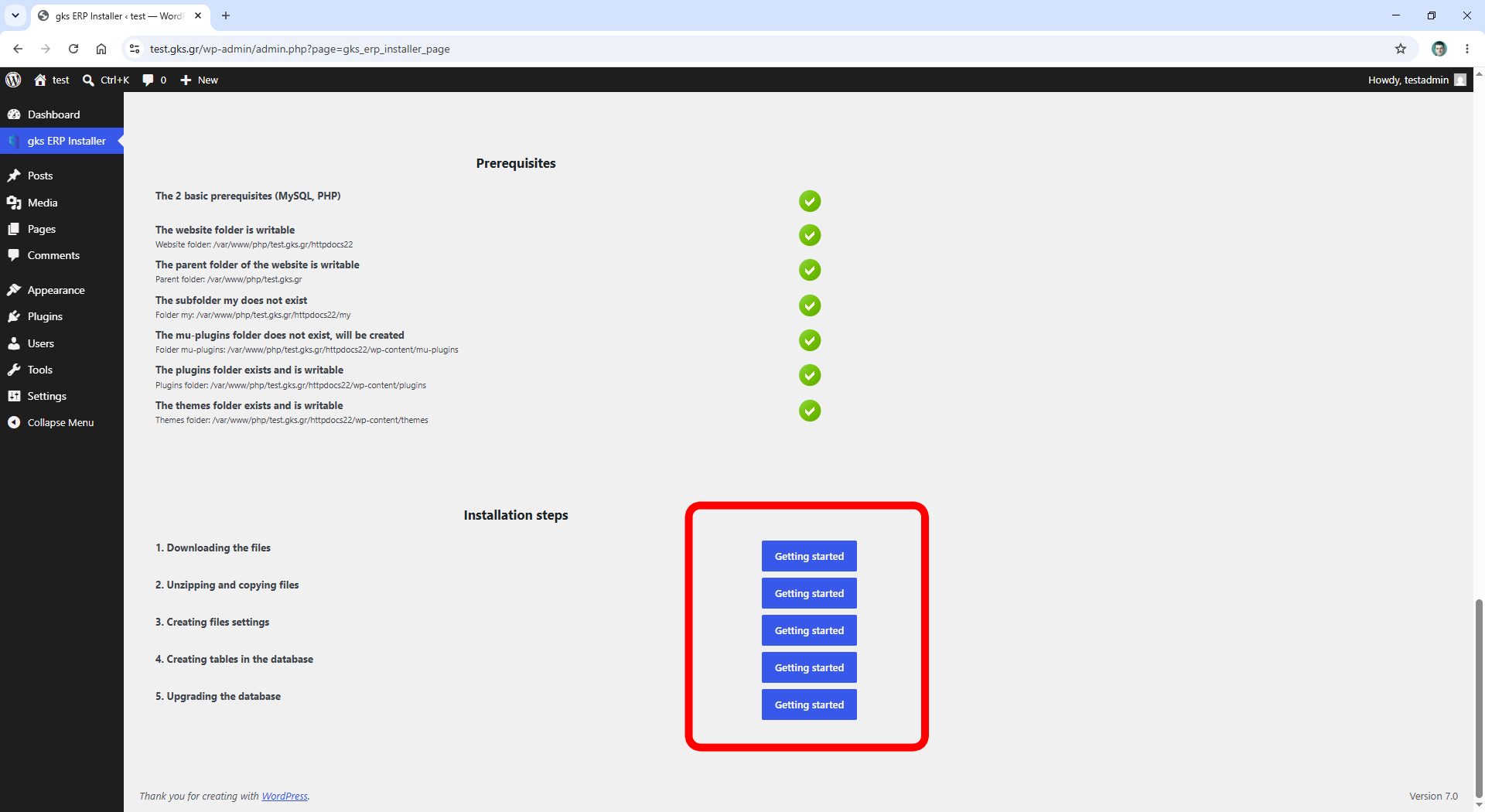
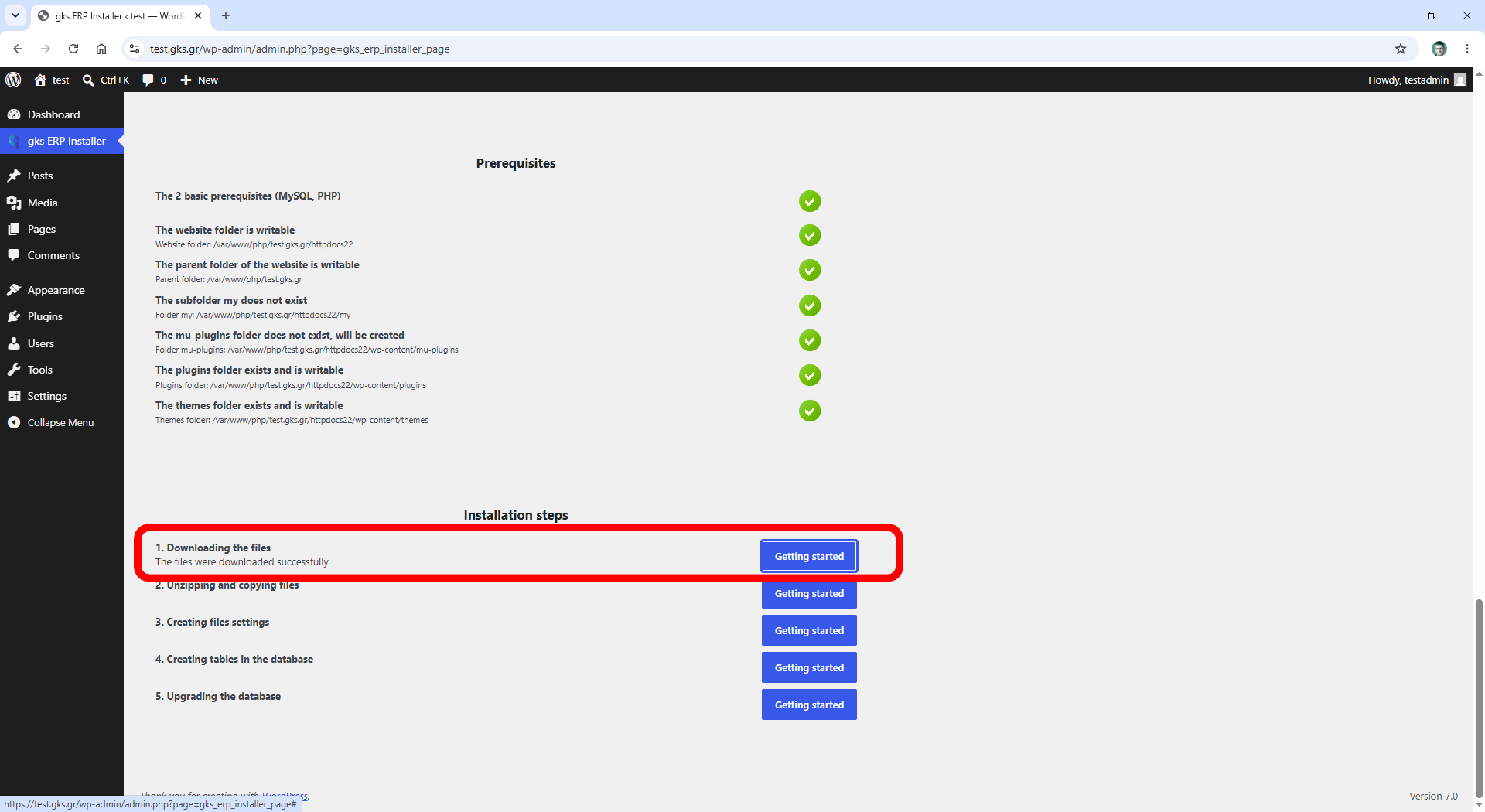
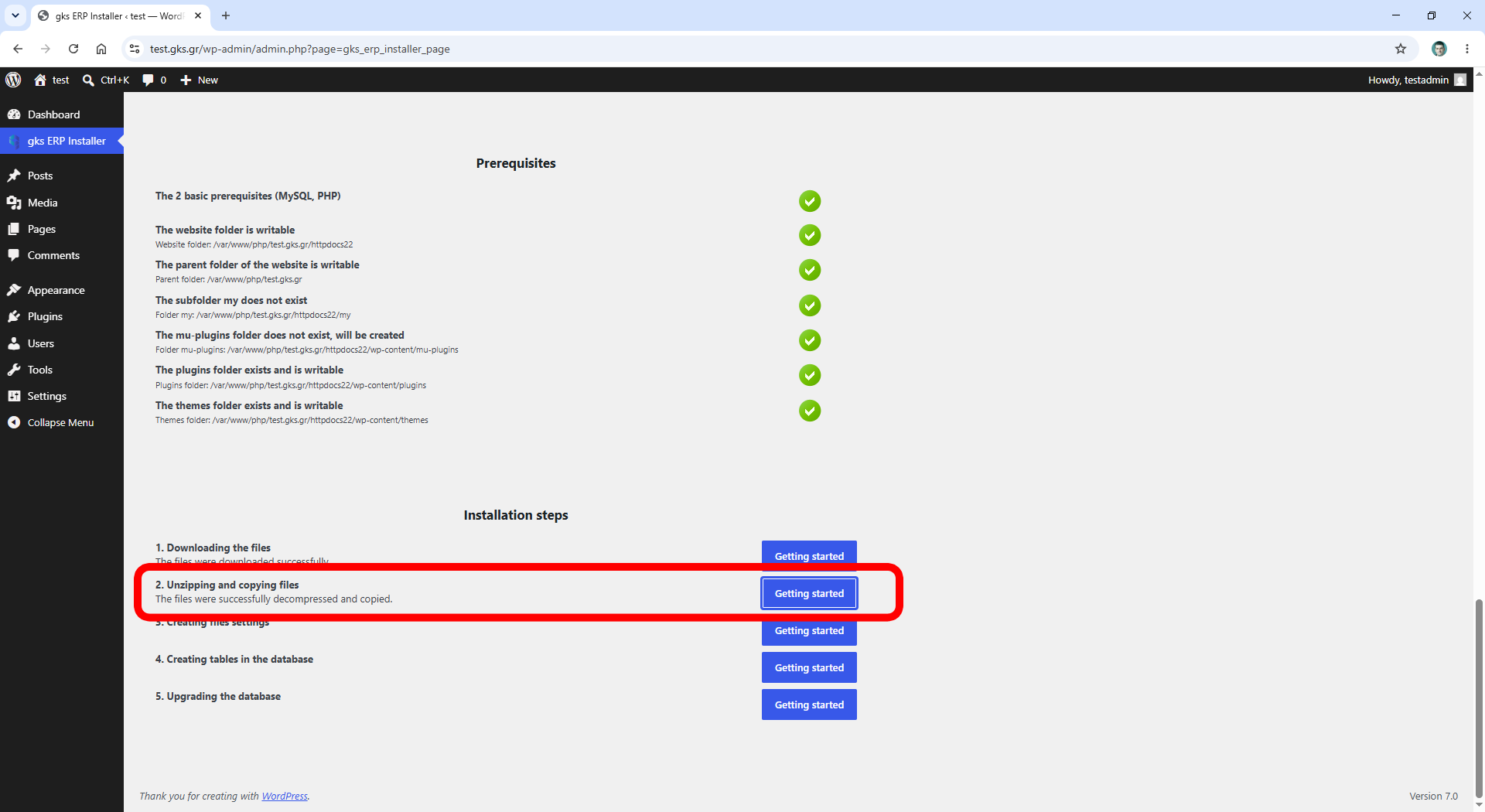
After Install
The plugin will gks ERP Installer will be disabled.
You can delete it.
You can go to the gks ERP homepage at any time by clicking the gks ERP link in the WordPress admin panel.
The gks ERP homepage has the URL mysite/my, e.g., test.gsk.gr/my
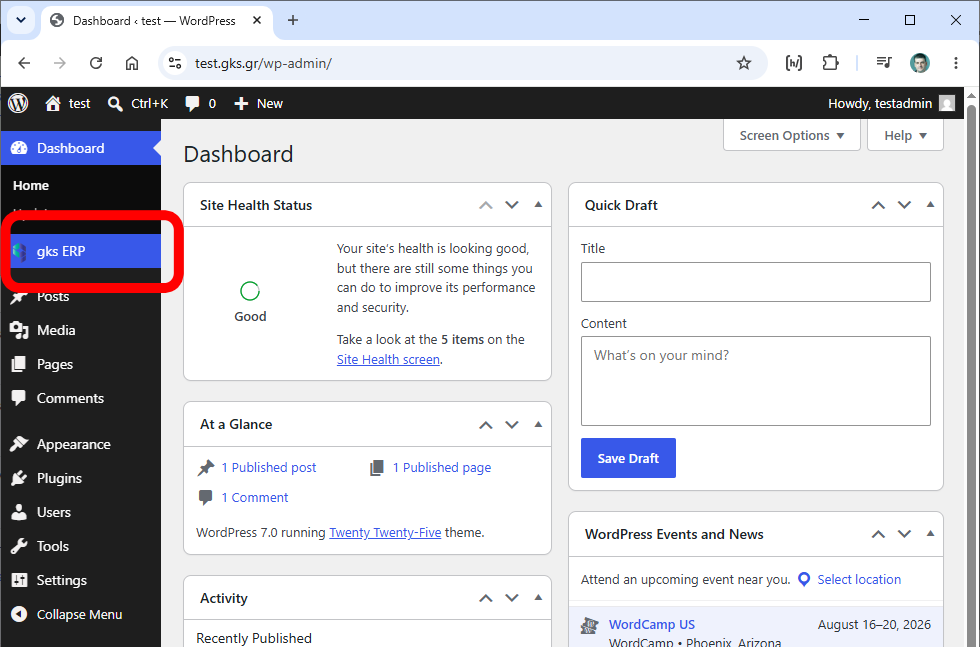
The gks ERP ready to use !

You can go direct to gks ERP by adding the /my after your WordPress url, e.g. example.com/my
URL: /my